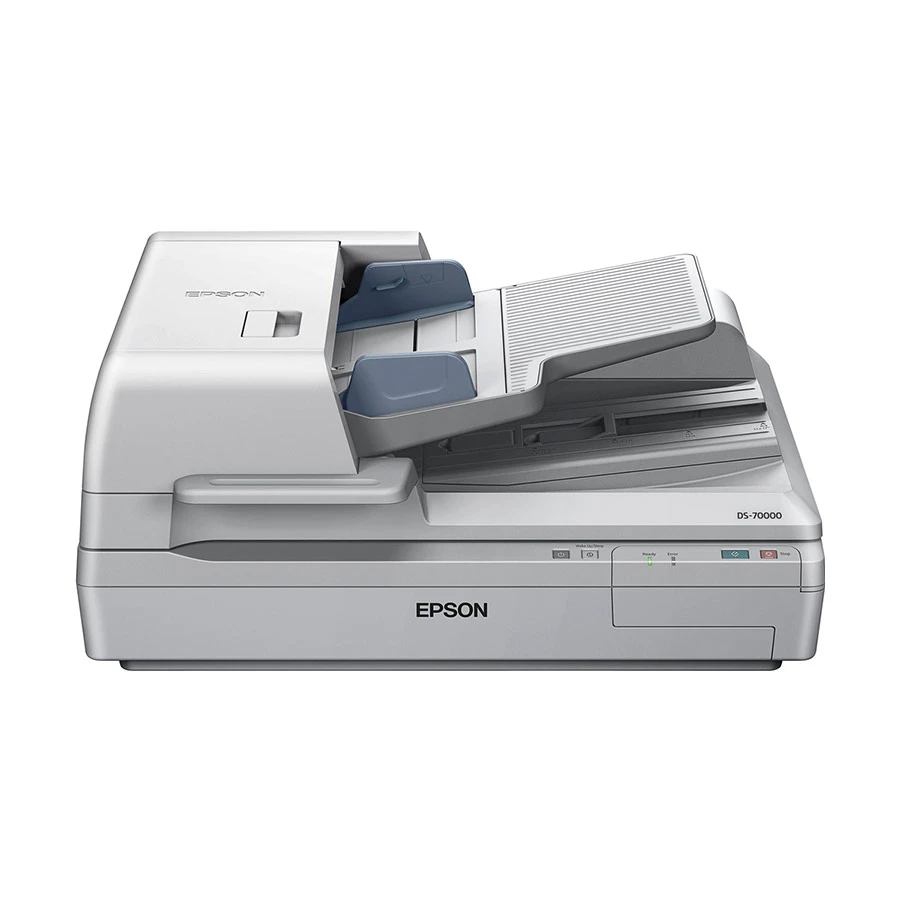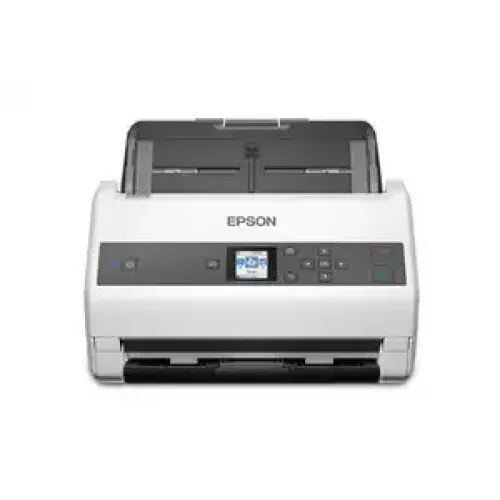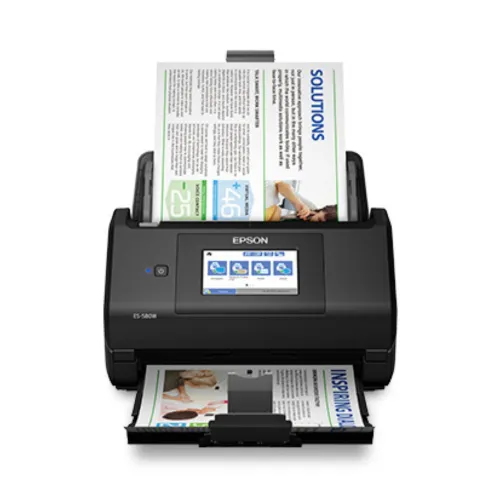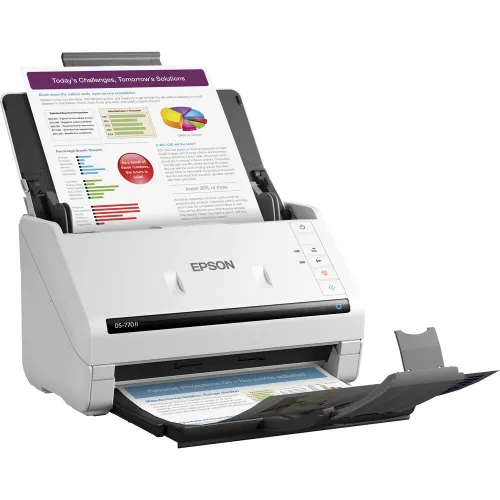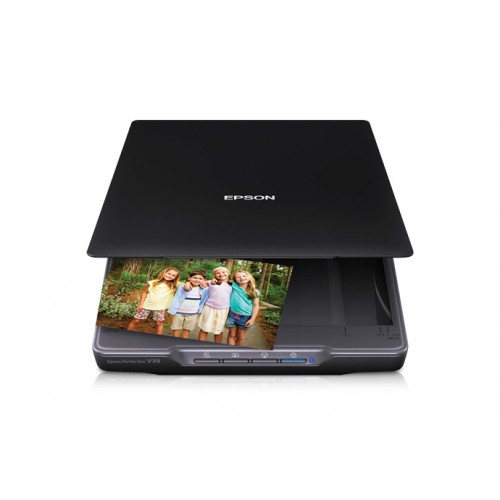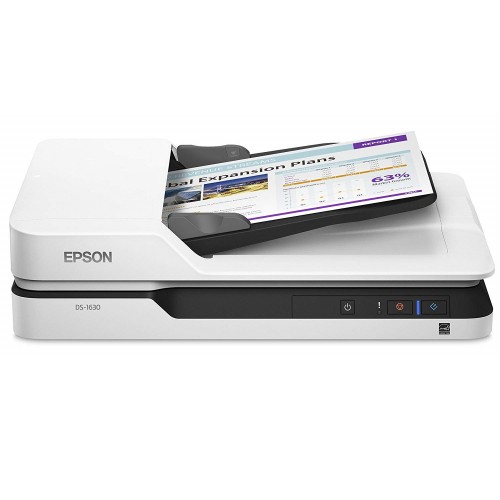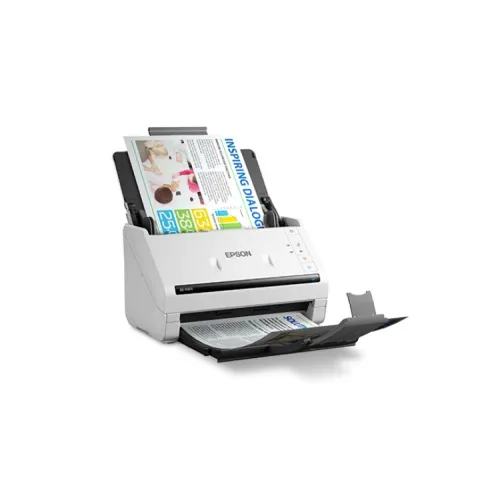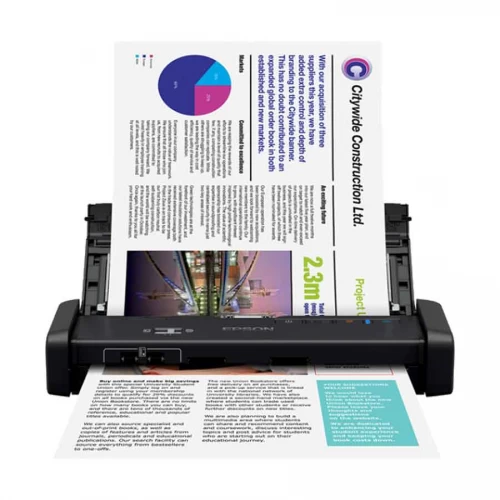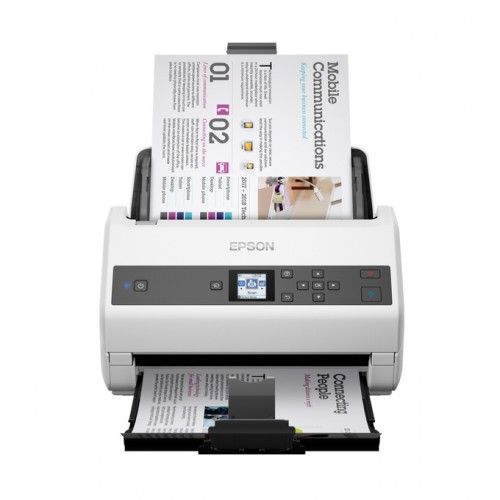
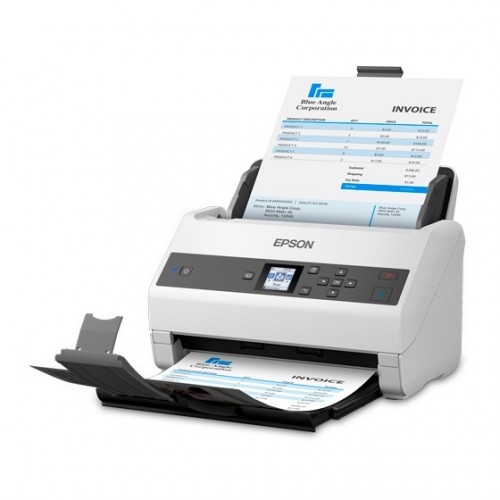
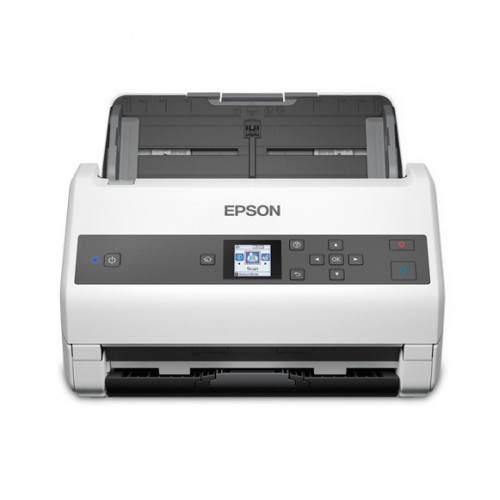
Epson WorkForce DS-970 A4 Duplex Sheet-fed Document Scanner
Exclusive of all taxes
Product Details
Key Features
Model: WorkForce DS-970
Scanning Speed (B & W) -
85 PPM/170 IPM (200 DPI), 23 PPM/46 IPM (600 DPI)
Scan from 27gsm to 413gsm
1.44" colour LCD Display
Paper Protection Function
Specification
|
Type |
A4 sheet-fed, one-pass duplex colour scanner |
|
Resolution |
Optical Resolution: 600 x 600 dpi*1 Output Resolution: 50 - 1,200 dpi (in 1 dpi increments) |
|
Interface |
USB 3.0, Optional Ethernet (With Network Interface Unit) |
|
Speed |
Resolution (Colour/Greyscale/Mono): 200dpi: 85ppm / 170ipm (Simplex / Duplex) 600dpi: 23ppm / 46ipm (Simplex / duplex) |
|
Others |
ADF – yes |
|
Warranty |
1 year |
|
External Features |
|
|
Dimensions |
296 x 169 x 167 mm |
|
Weight |
3.6 kg |
|
Color |
White |
Description
Epson WorkForce DS-970 A4 Duplex Sheet-fed Document Scanner
The Epson WorkForce DS-970
offers lightning-fast speeds up to 85 ppm/170 ipm. It also delivers a 100-page
ADF and peak daily duty cycle of up to 9,000 sheets. The WorkForce DS-970
combines performance, speed and durability in a sleek, compact design. It comes
with a screen size of 1.44 inch, users get a clear display of job contents at a
glance and can even view and assign up to 30 jobs at a time on the panel.
Operate the scanner easily using push scan functions and change scan settings
directly from the panel without having to use a PC. You can place documents of
different sizes ranging from A6 to A4 in the middle of the feeding tray and the
DS-970 will automatically detect and scan everything in the correct size, all
in a single batch. It can also scan small and fragile documents without using a
carrier sheet by turning on the Slow Scan Mode. The Automatic Feeding Mode
enables large volumes of documents to be scanned continuously. Activate the
Double Feed Detection Skip function to scan documents with stickers and labels.
The Epson WorkForce DS-970 comes with a 1-year warranty.
How to Order
Revolution Technology BD has made shopping easier for customers. Follow these steps:
- Click Register Button from home page
- Register with: Name + Email + Mobile + Password
- Click Create Account after entering information
- Login automatically or use Login button
- Provide mobile number and password, then Sign Up
- Choose desired product and click Buy Now
- View product details and click Add to Cart
- Click Item box (upper right corner)
- Go to Shopping Cart page
- Continue Shopping for more products or proceed
- Click "Click Here to Address" button
- Provide Full Name, Phone, Email & Delivery Address
- Click Order Submit button
- View Bill Invoice and receive email confirmation
- Print Invoice using Print button
- Wait for delivery - we'll keep you updated
- Thank you for shopping with us!