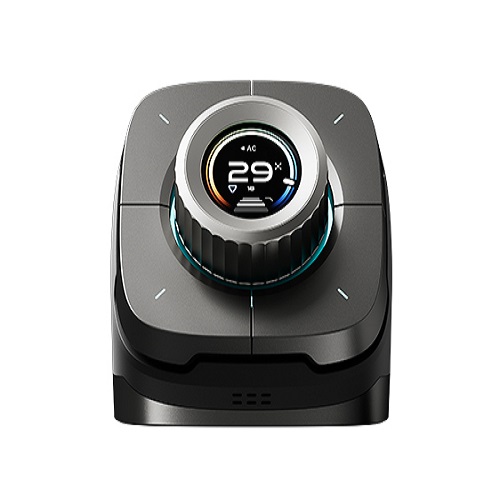
LifeSmart Nature X PRO Multi-functional Controller & Gateway
Contact us for pricing
Product Details
Key Features
Supports
Type-C power supply
1.39-inch
resolution 454*454 OLED knob screen
Built-in
speaker
Software-defined
4 physical buttons can be pressed up to 50 million times
Specification
Model Number
LS280/LS280-AQ
Operating Temperature
-5~45℃
Operating Humidity
5~90%
CPU
Quad-core Cortex-A7
Interface
Type-C Power input
LED Indicator
9+4 16 million colors LED
Screen
1.39 inch
Resolution
454*454
Operation System
Android
Input
DC 5V 2A
Sensor
Temperature sensor, Humidity sensor, CO2 sensor(Pro only), PM2.5 sensor(Pro only)
Microphone
Yes
Speaker
Yes
CO2 sensor
0~500ug/m3 (Pro only)
PM2.5 sensor
400~2000ppm (Pro only)
Content
Nature X or Nature X PRO, USB-C cable, Users‘ guide
Radio Protocol
CoSS, Zigbee, Wi-Fi
Signal Range (Open Field)
200m(CoSS)
Color
Black
Dimension
143*112*98mm
Weight
850g(Nature X),900g(Nature X PRO)
Casing
ABS + Zinc alloy
Product Description
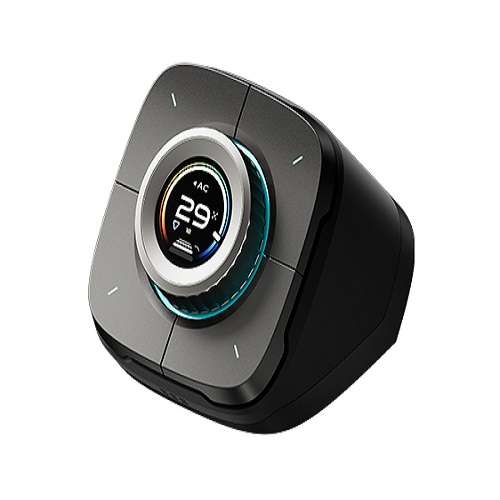
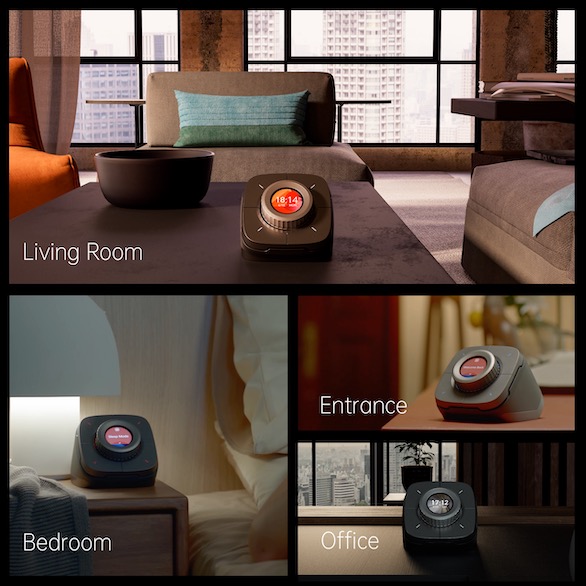
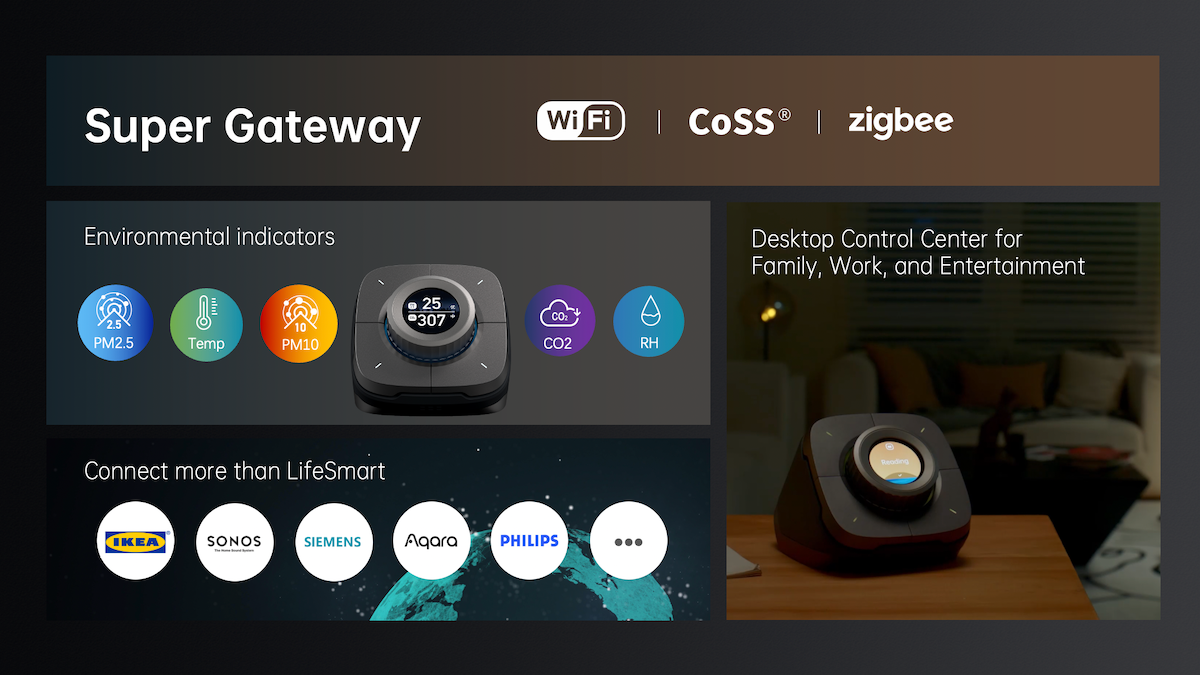
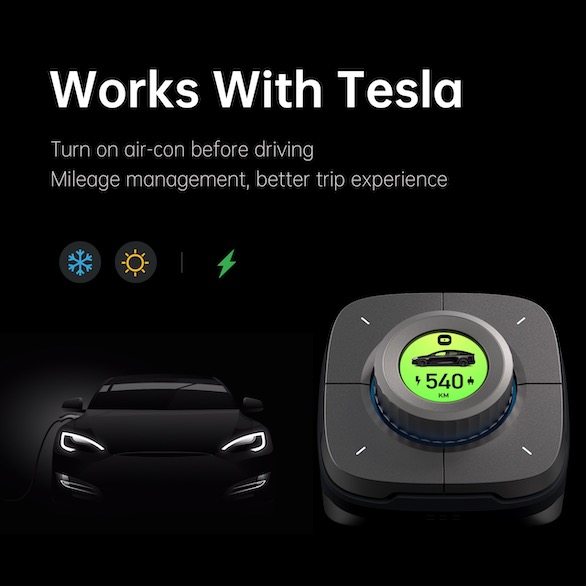
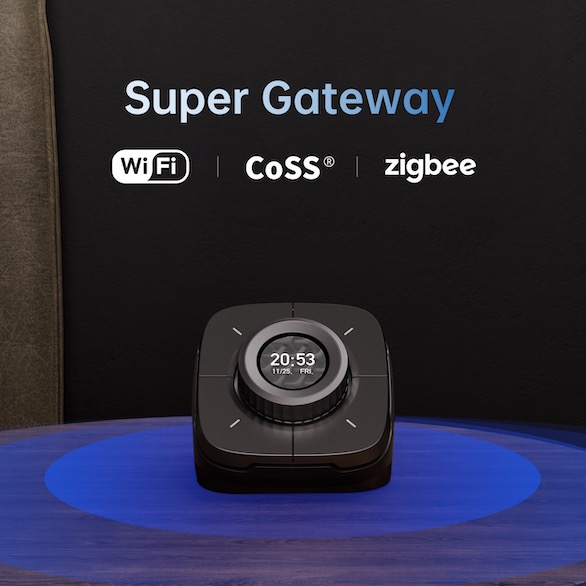
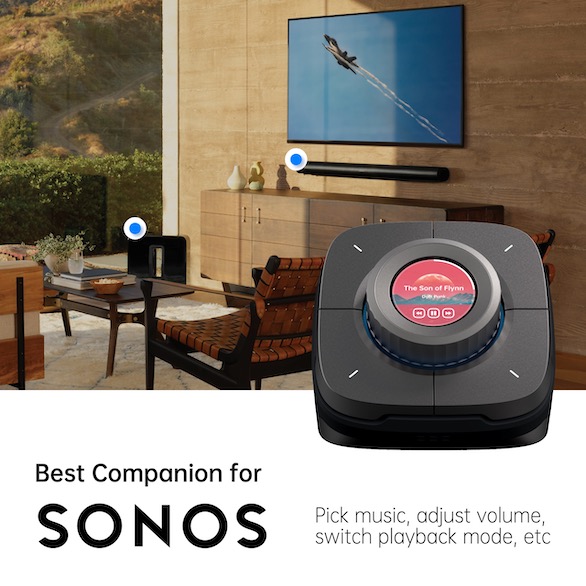
Nature X (Nature X PRO) is a multi-functional controller on a desk and also a smart home gateway supporting a multi-protocol connection. It can provide a comfortable interaction experience by knob and micro switches to control smart home or third-party devices, realizing precise control of curtain, adjustment of light brightness, color and color temperature, room temperature setting, music playing, etc. It can also perform one-click smart scenarios like Leaving, Home, and Sleep. You can set, control or check the status of other third-party devices.
Features
Works as a gateway
Supports multiple protocols including CoSS, Zigbee, Wi-Fi
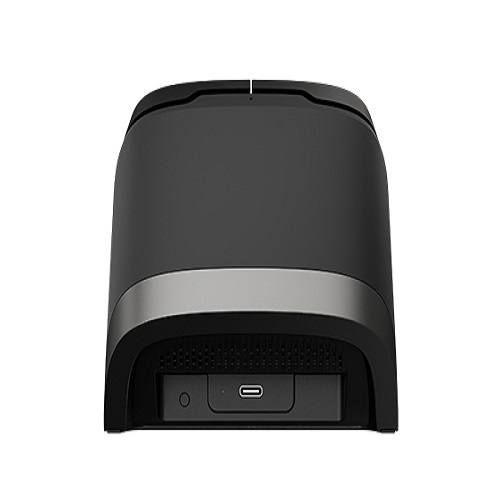
Supports Type-C power supply
1.39-inch resolution 454*454 OLED knob screen
16 million color illusion light effect
Professional environment indicators (Nature X PRO)
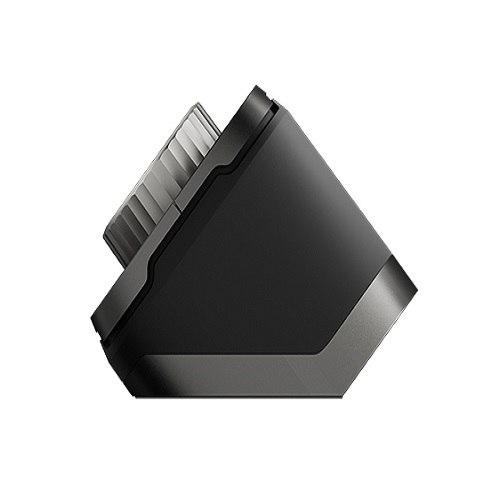
Metal base and 43° elevation angle design
Built-in speaker
Software-defined 4 physical buttons can be pressed up to 50 million times
Typewriter-like tapping experience
How to Order
Revolution Technology BD has made shopping easier for customers. Follow these steps:
- Click Register Button from home page
- Register with: Name + Email + Mobile + Password
- Click Create Account after entering information
- Login automatically or use Login button
- Provide mobile number and password, then Sign Up
- Choose desired product and click Buy Now
- View product details and click Add to Cart
- Click Item box (upper right corner)
- Go to Shopping Cart page
- Continue Shopping for more products or proceed
- Click "Click Here to Address" button
- Provide Full Name, Phone, Email & Delivery Address
- Click Order Submit button
- View Bill Invoice and receive email confirmation
- Print Invoice using Print button
- Wait for delivery - we'll keep you updated
- Thank you for shopping with us!