
A break-in at night, a missing carton in the warehouse, a dispute at the cash counter: in every case, the first question is "what does the camera show?" Too often the answer is nothing useful. The image is blurry, the recording stopped weeks ago, or the camera was pointing at the wrong wall.
A well-planned CCTV camera system prevents all of that. This guide explains the choices in plain language: analog or IP, which camera shape goes where, how much resolution you really need, and how to store footage safely. Every product we mention is linked, so you can compare and order in one place.
Why every business in Bangladesh needs CCTV in 2026
Cameras do more than catch thieves. Visible cameras deter theft before it happens. Recorded footage settles disputes with customers, staff and delivery partners. And for factories and exporters, buyers increasingly expect proper surveillance as part of compliance audits, which we discussed in Strengthening Industrial Security with CCTV Implementation.
Modern cameras are also smarter. AI-powered detection tells the difference between a person, a vehicle and a stray cat, so you get alerts that matter instead of hundreds of false alarms. We explored this shift in Beyond Computing: The Next Generation of AI-Driven Devices.
Analog (HD) or IP cameras?
Analog HD cameras: affordable and simple
Analog HD cameras (HDTVI or HDCVI) send video over coaxial cable to a DVR. They are the most budget-friendly option and a smart way to upgrade an old system while keeping the existing cabling. Popular choices include the Hikvision DS-2CE16D0T-LPFS 2MP dual-light audio mini bullet camera, the Hikvision DS-2CE76D0T-EXLPF 2MP smart hybrid light dome and the Dahua HAC-HFW1200RP 2MP HDCVI bullet camera.
For full-colour images even at night, Hikvision ColorVu cameras are hard to beat. Look at the Hikvision 5MP 3K ColorVu audio mini bullet, the Hikvision 5MP 3K ColorVu audio turret and the Hikvision 2MP ColorVu audio turret. For higher detail, the Hikvision 5MP mini bullet and Dahua 5MP smart dual-light HDCVI eyeball dome are strong options.
Record them on a DVR such as the Hikvision DS-7104HGHI 4-channel DVR, the Hikvision DS-7108HGHI 8-channel DVR, the Dahua XVR1B04 4-channel DVR, or the Hikvision 16-channel AcuSense DVR with built-in human and vehicle detection.
IP cameras: sharper, smarter, future-ready
IP cameras send video over network cable to an NVR, and most are powered through the same cable using PoE. They offer higher resolution, smarter analytics and easier remote viewing. For new installations, IP is usually the better long-term choice.
Strong IP picks include the Hikvision DS-2CD1T23G2-LIU 2MP bullet, the Hikvision DS-2CD1T43G2-LIU 4MP bullet, the Hikvision DS-2CD2T43G2-4I 4MP bullet and the Hikvision DS-2CD1163G2-LIU 6MP smart hybrid light dome. On a tighter budget, the HiLook IPC-T221H 2MP dome is a reliable entry point. From Dahua, consider the Dahua 2MP smart dual-light eyeball and the Dahua 4MP smart dual-light bullet.
Which camera shape goes where?
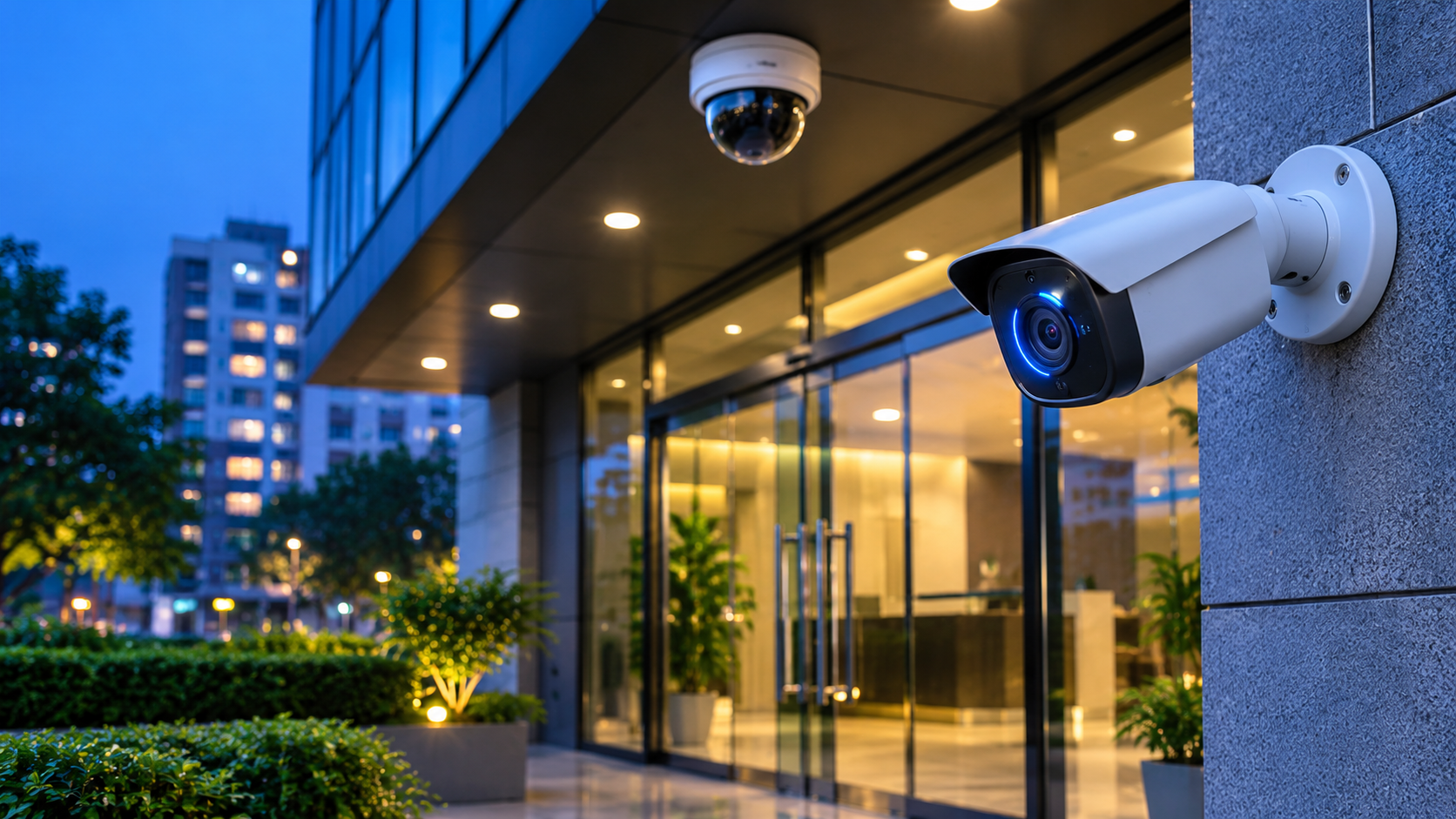
- Bullet cameras point at one area and are clearly visible, which deters intruders. Best for gates, parking areas and building perimeters.
- Dome and turret cameras are compact and discreet. Best for reception, corridors, shops and offices.
- PTZ cameras pan, tilt and zoom to follow movement over a wide area. The Hikvision DS-2DE5425IW-AE 4MP 25x zoom PTZ covers factory yards and large compounds, and the Hikvision 4MP outdoor PT camera suits smaller sites.
- Wi-Fi cameras need no cabling, which makes them ideal for homes and small shops. See the next section.
Wi-Fi and 4G cameras for homes and small shops
If running cables is not practical, a Wi-Fi camera with a phone app is the quickest way to start. The Ezviz H6c Pro 3MP pan-tilt camera and the Imou Ranger 2 3MP 360-degree camera cover a whole room from one corner. For outdoors, the Ezviz H8c Pro 5MP pan-tilt camera and the Ezviz H9c dual-lens camera watch two areas at once.
No Wi-Fi at the site? The Ezviz H8c 4G camera and the Imou Cruiser 4G run on a mobile SIM. For construction sites and farms with no power, the Ezviz HB8 Lite 4G kit with solar panel runs completely off-grid.

How much resolution do you need?
- 2MP (1080p): fine for small rooms, counters and general monitoring
- 4MP to 5MP: the sweet spot for most businesses, clear enough to identify faces at a door
- 6MP to 8MP (4K): for wide areas like warehouses, parking lots and yards where you need to zoom into recorded footage
Quick picks by site
- Home or flat: Ezviz H6c Pro indoors, Ezviz H8c Pro outdoors
- Small shop, 4 cameras: 4 x Hikvision 2MP ColorVu turret + 4-channel DVR
- Office, 8 cameras: Hikvision 4MP IP bullets and domes + 8-channel NVR
- Factory or warehouse: 4MP to 6MP IP cameras, a PTZ for the yard + 32-channel 4K NVR
Choosing the right NVR
The NVR is the brain of an IP system: it records every camera, runs smart search and streams footage to your phone. Pick one with a few spare channels so you can add cameras later.
- Up to 4 cameras: the Hikvision DS-7604NI-Q1/4P 4-channel PoE 4K NVR powers cameras directly, or choose the compact Hikvision DS-7104NI-Q1/M
- Up to 8 cameras: the Hikvision DS-7108NI-Q1/M 8-channel NVR
- Up to 16 cameras: the Hikvision DS-7616NI-Q2 16-channel 4K NVR
- Large sites: the Hikvision DS-8632NI-K8 32-channel 4K NVR or the Dahua NVR4232-4KS3 32-channel NVR
- Wireless kit: the Ezviz X5S 8-channel wireless NVR for homes and shops
Storage: how many days of footage do you need?
Most businesses keep 15 to 30 days of recordings. The more cameras and the higher the resolution, the more storage you need. Always use a surveillance-grade drive, which is built to record around the clock, never a desktop hard disk.
- Small systems: Seagate SkyHawk 1TB, 2TB or 4TB
- Mid-size systems: Seagate SkyHawk 8TB or WD Purple 8TB
- AI and large systems: Seagate SkyHawk AI 10TB, SkyHawk AI 12TB, Toshiba S300 AI 16TB or Toshiba S300 AI 20TB
Important footage should also be backed up off the recorder. Our guide to ransomware-proofing your business with the 3-2-1 backup rule explains how.
PoE switches and network
A PoE switch sends power and data to each IP camera over a single cable, so you need no separate power points at the camera. For small systems, the BDCOM S1006-4P 4-port PoE switch or the Xtreme XM100-8FP2N 8-port PoE switch is enough. Mid-size sites can use the Ruijie RG-ES110GDS-P 10-port PoE switch or the TP-Link TL-SG1218MPE 16-port PoE switch. Large and managed networks suit the Cisco CBS350-8P, the Ruijie RG-NBS3100 cloud-managed PoE switch or the BDCOM S2500-16P4S.
For smooth remote viewing on your phone, a good router helps. The TP-Link Archer AX73 Wi-Fi 6 router and the TP-Link Deco M4 mesh system cover homes and offices, while the Ruijie RG-EG105G cloud-managed router suits small businesses. Remote sites without broadband can use the Starlink Gen 3 router; read who actually needs satellite internet first.
Keep recording through load-shedding
A camera system that switches off during a power cut is useless exactly when thieves are most active. Put the NVR, switch and router on a UPS such as the Power Guard 1200VA offline UPS, or an online UPS like the Power Guard 3KVA for larger systems. A Marsriva mini DC UPS keeps your router and Wi-Fi cameras online. Read Offline vs Online UPS to choose, and consider long-term backup power in Why Solar Energy Is Becoming Essential for Modern Businesses.
Build a complete security system
Cameras record what happens. Combine them with other systems to stop problems before they start.
- Access control: control who enters with face and fingerprint terminals. See our guide on how to choose the right fingerprint, face or card system and the full access control range.
- Video doorbells: see and speak to visitors from your phone with the Ezviz DP2C smart video doorbell or Ezviz HP4. Browse all video doorbells.
- Alarms: add the WolfGuard anti-theft solution and an outdoor Wi-Fi alarm siren for after-hours protection.
- Smart locks: pair cameras with a LifeSmart C200 smart door lock at home or in executive cabins.
Explore the full security system range and our smart home and office security solutions.
Don't forget cyber security
IP cameras are network devices, and an unprotected camera can be a doorway into your network. Change default passwords, keep firmware updated, and put a business firewall such as the Sophos XGS 107 or FortiGate 90G between your cameras and the internet. Learn more in our next-generation firewall guide, Cybersecurity for Businesses: 7 Common Weak Points and Your VPN and Firewall Are the New Front Door.
Why buy from Revolution Technology BD?
We design, supply and install CCTV systems for homes, shops, offices and factories across Bangladesh. Learn more about us or see our company profile.
- Site survey and camera plan. We walk your site and mark where each camera should go, so there are no blind spots.
- Professional installation. Our installation team handles cabling, mounting, NVR setup and mobile app access.
- Genuine products with warranty. Every camera and recorder is covered by our warranty policy.
- After-sales support. Visit our service center, or choose premium service for priority support.
- Easy ordering. See how to order and our order and payment options.
Frequently asked questions
How many CCTV cameras do I need? Count every entrance, exit, cash point and storage area, then add cameras for corridors and parking. A small shop usually needs 4, an office 8 to 16, and a factory 32 or more. We can plan it for you during a site survey.
Is IP better than analog CCTV? IP cameras give sharper images, smarter detection and easier remote viewing, so they suit most new installations. Analog HD cameras with a DVR are cheaper and reuse existing cabling.
Can I watch my cameras on my phone? Yes. Hikvision, Dahua, Ezviz and Imou systems all have free mobile apps for live view and playback from anywhere.
Which hard disk should I use for CCTV? Always a surveillance drive such as the Seagate SkyHawk or WD Purple, built to record 24 hours a day.
Do cameras work at night? Yes. Infrared cameras record in black and white at night, while Hikvision ColorVu cameras record in full colour. More answers are on our FAQ page.
Ready to protect your property?
Tell us your site type and how many areas you want covered, and we will plan a camera layout and send a quote. Browse every CCTV camera or get in touch.
- Call or WhatsApp: +880 1404-078081
- Email: info@revolutiontech.com.bd
- Website: revolutiontech.com.bd · Contact us
- Corporate HQ: 54 Motijheel C/A, Elite House (3rd floor), Dhaka-1000
- Service center: 128/1 Ahmed Bagh, Dhaka-1214
Read more articles on our Events & Newsletters page.